Set up the conference
Bring event pages, registration and agendas into the planning conversation. Map the sessions, speakers and attendee journey your conference needs before choosing the right configuration.
Plan, coordinate and deliver in-person, virtual and hybrid conferences with tools for registration, agendas, speakers, live sessions, attendee engagement and post-event knowledge.
Built for your day to day
Registration details, schedules, speaker updates, session links and attendee questions often sit in different tools. After the conference, recordings and materials can be scattered too. Keeping those details aligned takes attention away from the people attending your event.
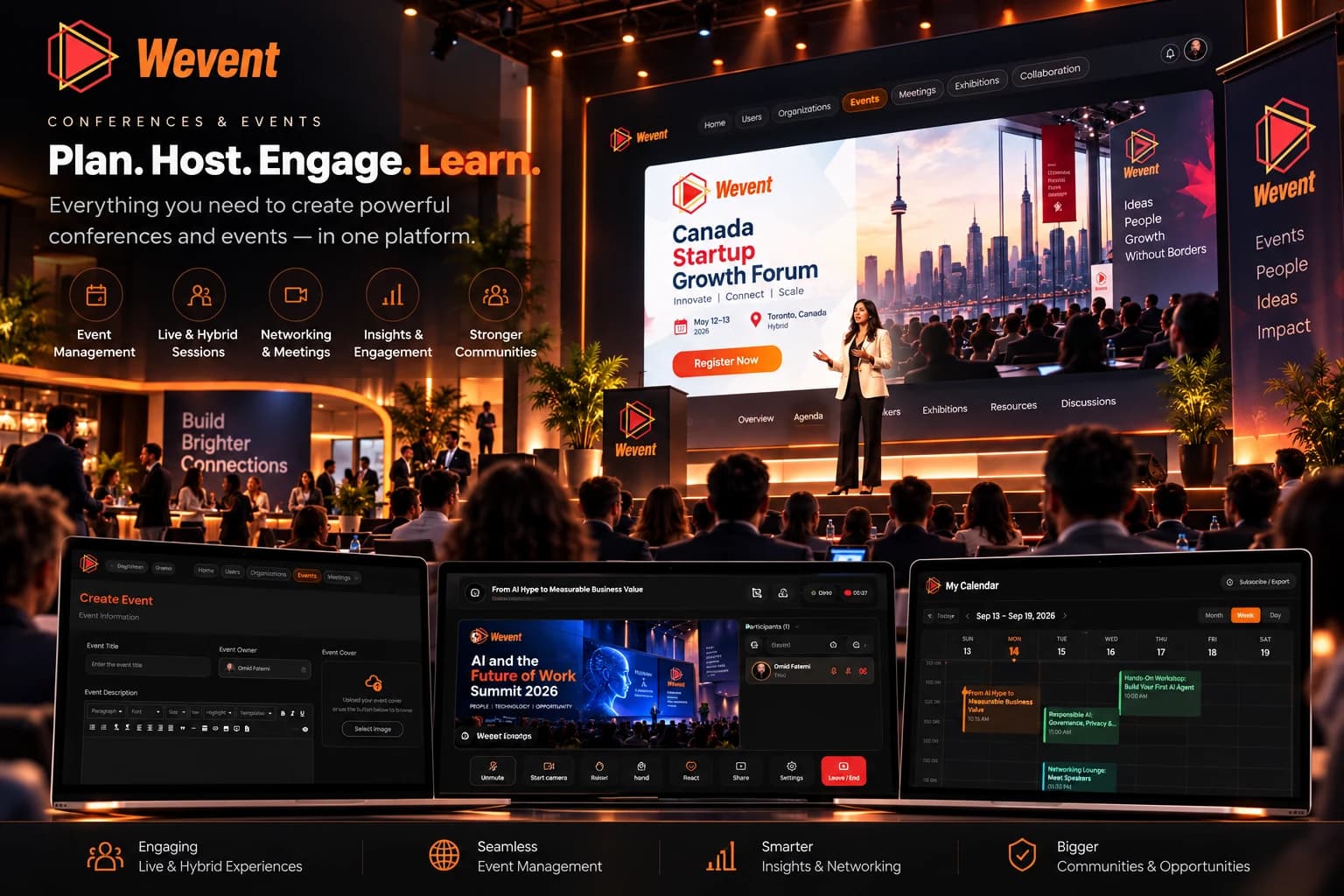
Discover how Wevent brings event planning, conference sessions, audience engagement, and post-event knowledge together in one connected solution.
Bring event pages, registration and agendas into the planning conversation. Map the sessions, speakers and attendee journey your conference needs before choosing the right configuration.
MeetNET supports video meetings and webinars; ExpoNET supports virtual exhibition halls and booths. Discuss the session and exhibitor experiences relevant to your format, rather than assuming every event needs the same tools.
Plan how available recordings, session materials and knowledge tools will support attendees after the conference. Agree on what will be captured, reviewed and shared before the event begins.
Confirm the availability and scope of these capabilities for your event. This is a planning guide, not a list of features included in every plan.
A connected journey
Plan event setup, registration, agendas and speaker coordination around the attendee journey.
Bring the supported session, participation and exhibition tools into your event workflow.
Review available recordings and session materials, then prepare relevant knowledge and follow-up for attendees.
After the conference
KnowNET supports AI-powered knowledge management through transcripts, AI-generated summaries, action items and searchable content. Discuss which outputs can be generated from your session materials and how your team will review them before sharing.
Availability depends on the supported configuration and session inputs. Plan who can access recordings and approved materials, and confirm retention settings. Recording every session, generating every output automatically and permanent storage are not guaranteed here.
These are conference planning use cases, not customer endorsements:
A closer look
Yes. The request form includes optional questions about event type, attendance, dates, format and current tools. Share the details you know so the team can personalize the product demo.
Start with your registration, agenda, session and exhibitor requirements. Use the personalized product demo to confirm the supported configuration and what is included in the proposed offering; this page does not promise every capability in every plan.
ExpoNET is the virtual exhibition and booth product described in the Wevent offering. Confirm the booth experience and lead-capture requirements for your event during the product demo.
Do not assume automatic recording or AI output for every session. Confirm recording availability, the inputs needed for summaries and transcripts, review responsibilities, and access and retention settings before planning attendee follow-up.
Ask the team to demonstrate these requirements and confirm availability for your configuration. This page does not establish supported ticket types, payment methods, polls or Q&A functionality.
Built around your reality
Tell us about your format, agenda, audience and current tools. We’ll personalize the product demo around your planning, attendee experience and follow-up needs, and confirm the capabilities available for your configuration.